Kitchens6 min read
A proper home office is no longer optional for many households. Here is how to design a space that supports focused work, video calls, and long hours — without sacrificing your home.
The shift to hybrid and remote work has made the home office one of the most requested renovation projects — and also one of the most poorly executed. A dedicated desk shoved in a bedroom corner or a dining table commandeered for work calls is not a home office. It is a compromise that affects your productivity, your professionalism on video calls, and eventually your ability to mentally separate work from home life. Getting a proper home office right is worth the investment.
The best home office location is acoustically isolated from household activity and has access to natural light without glare on your screens. In Edmonton homes, a spare bedroom is the most common location — it has a door for acoustic control and a window. Basement offices work well if natural light is supplemented artificially and the space feels finished, not temporary. Garage conversions for dedicated offices are increasingly popular for people who need a complete psychological separation from the home environment.
The biggest complaint with home offices — particularly for people on video calls all day — is sound. This cuts both ways: background noise from the home (children, pets, appliances) bleeding into calls, and work sounds (calls, typing, keyboard clatter) bleeding out into living areas. Proper acoustic treatment involves more than closing a door. Adding insulation in the walls between the office and adjacent spaces, using solid-core interior doors, and installing acoustic ceiling treatment significantly reduces both problems. These upgrades cost $2,000–$6,000 and are consistently rated as the most valuable improvement by people who work from home full time.
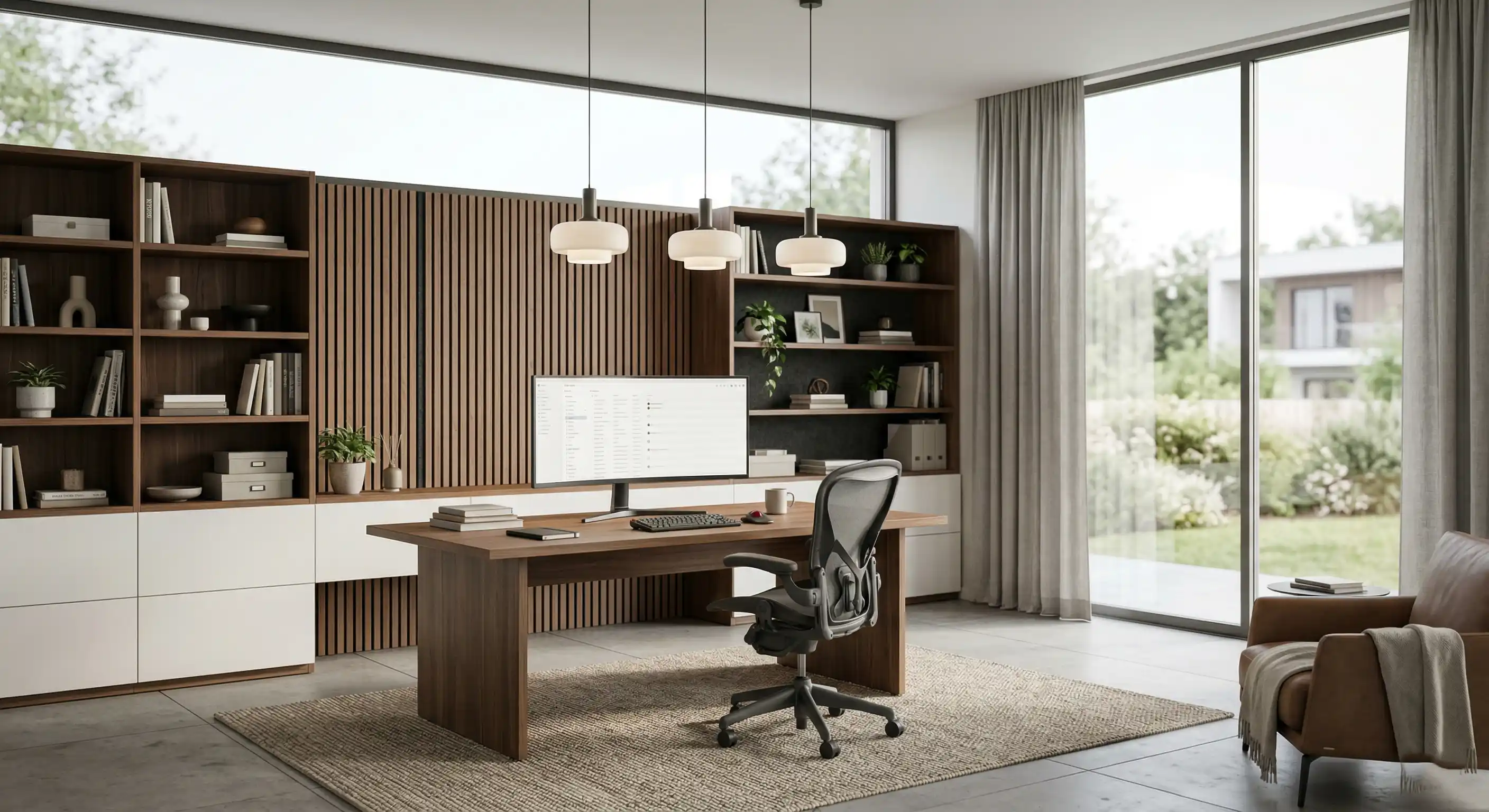
Lighting in a home office has two jobs: task lighting that supports focused work without eye strain, and background lighting that does not create harsh shadows or contrast problems on video calls. A window directly behind a monitor creates glare; a window to the side creates good ambient light without direct interference. Layer your lighting: a ceiling ambient layer, a task layer (adjustable desk lamp or under-cabinet lighting), and a "call light" positioned in front of you, not above. LED panels with adjustable colour temperature (3000K–5000K range) let you tune the light to time of day and task type.
A home office without adequate storage becomes a chaos zone within weeks. Built-in shelving, a proper filing solution, and concealed storage for equipment cables, chargers, and peripherals are not luxuries — they are what makes the space function. Custom built-ins along one or two walls of a dedicated office space are one of the highest-return investments in office design: they maximize every inch, look clean and professional on video calls, and do not require the room to be larger.
Plan your electrical requirements carefully — this is much easier to do during a renovation than after. A proper home office needs: dedicated circuits for computer equipment, a separate circuit for a laser printer (they draw significant current at startup), multiple outlet positions at desk height rather than floor level, and ideally a hard-wired ethernet connection rather than relying on WiFi. Cable management that conceals wiring from desktop equipment to wall outlets transforms how a space looks and feels.
The renovation creates the container; ergonomics determines whether working in it keeps you healthy. Desk height for seated work should allow forearms parallel to the floor with shoulders relaxed. Monitor height should place the top of the screen at or slightly below eye level. The chair and sit-stand desk are outside the renovation scope but should be budgeted alongside it. A sit-stand desk that works with your built-in requires planning the built-in dimensions to accommodate it.
A home office done right improves your work, protects your health, and maintains the boundaries that make working from home sustainable long term.
— Aarth ConstructionLet's build something extraordinary together.